ENG | STM32 getting started.
First steps with the NUCLEO-L552ZE-Q board on Linux – OpenOCD setup, Zephyr blinky, and a 3D-printed tray for the board and breadboards.
I was given an STM32 evaluation board (NUCLEO-L552ZE-Q / NUL552ZEQ$AU3) after promising that I would give it a try.
It’s a bit large (Nucleo-144 form factor) and consists of two parts. The ST-LINK part has its own STM32F chip and USB connector. It’s used for flashing and debugging, but also shows up as a mass-storage device (drag-and-drop flashing) and a virtual serial port. It is detected as USB device ID 0483:374b STMicroelectronics ST-LINK/V2.1.
The MCU part carries the STM32L552 itself, with almost all pins broken out to headers and its own USB-C connector wired directly to the MCU.
There is no official MicroPython support for this board, so no quick experiments that way.
I’m not sure where it fits exactly. The L series is supposed to be ultra-low-power according to Wikipedia. The board itself has a power LED and a status LED on the ST-Link part, so it can’t be used for low-power applications per se. However, it has a jumper marked IDD, which can be removed to provide a point where the current drawn by the MCU and peripherals can be measured. I assume the evaluation board is meant for prototyping low-power applications and learning ST’s ecosystem and debugging tools.
Sadly, with the exception of 3rd-party Blue Pill and Black Pill boards, STM boards are not widely offered by local hobby-oriented electronics e-shops. The exception is the Polish Botland, but STM boards are not exactly cheap there.
For hobby projects, I guess the Raspberry Pi Pico 2 is relatively cheap and fine, and ESP32 variants are also popular. The nRF52840 can be used for low-power applications as well, with Bluetooth LE as a bonus, but it is more expensive.
Links
Prerequisites
Getting started is really easy. Install the OpenOCD package (sudo zypper in openocd, sudo dnf in openocd, …), which also installs udev rules so the USB device is accessible to regular users. These rules are applied when the device is plugged in, so it is necessary to unplug and replug it after installation.
Zephyr RTOS
Once Zephyr is set up, it’s easy. Here’s the short version for activating the Python venv, building and flashing:
1
2
3
4
~ $ cd ~/zephyrproject/zephyr
~/zephyrproject/zephyr $ source ~/zephyrproject/.venv/bin/activate
(.venv) ~/zephyrproject/zephyr $ west build -p always -b nucleo_l552ze_q samples/basic/blinky
(.venv) ~/zephyrproject/zephyr $ west flash -r openocd
Tray for Nucleo development board and breadboard
The evaluation board is not very practical. It does not fit into a breadboard. There are two long male pin headers on the bottom, and the board stands on four jumpers in the corners, which act as feet, so the whole underside is fragile.
So, I made a tray printable on the A1 mini and uploaded the model to Printables, including the FreeCAD drawing: Tray for STM32 Nucleo 144 and breadboard
Getting the stand-off positions right was a challenge, because the mechanical drawings in the manual are only partially dimensioned, so I had to import PCB design files into KiCad to measure hole positions there.
Summary
Partially thanks to AI and with existing Zephyr setup, getting started was question of minutes. Because of ST-Link part there is no need to compile USB console in Zephyr for main MCU. The next experiment will be likely I2S audio and my modplayer - which is project not mentioned on this blog yet.
I’ve already tested a few I2C sensors and a display. Instead of wiring them one by one, I used a Seeed XIAO expansion board and connected the Nucleo’s I2C pins, 3V3 and GND to the XIAO socket.
Gallery
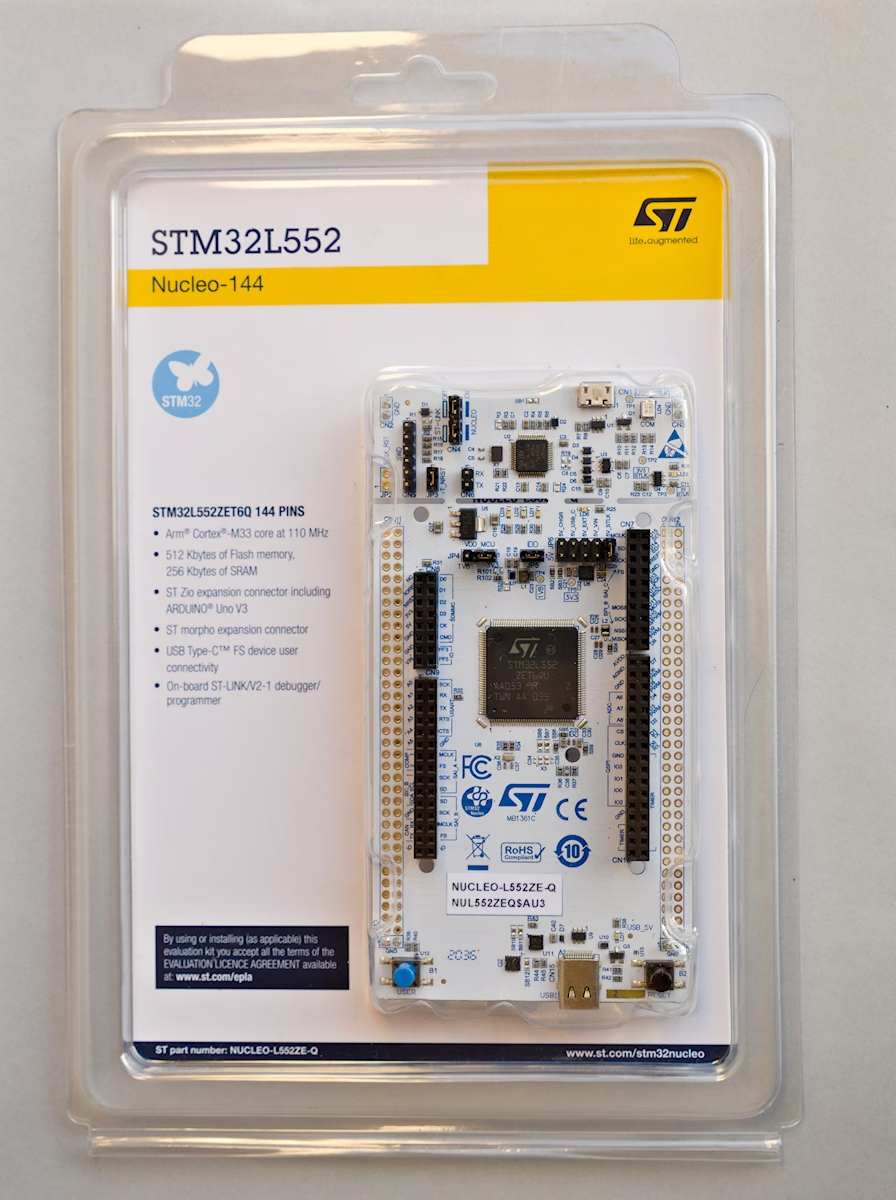 NUCLEO-L552ZE-Q packaging, front
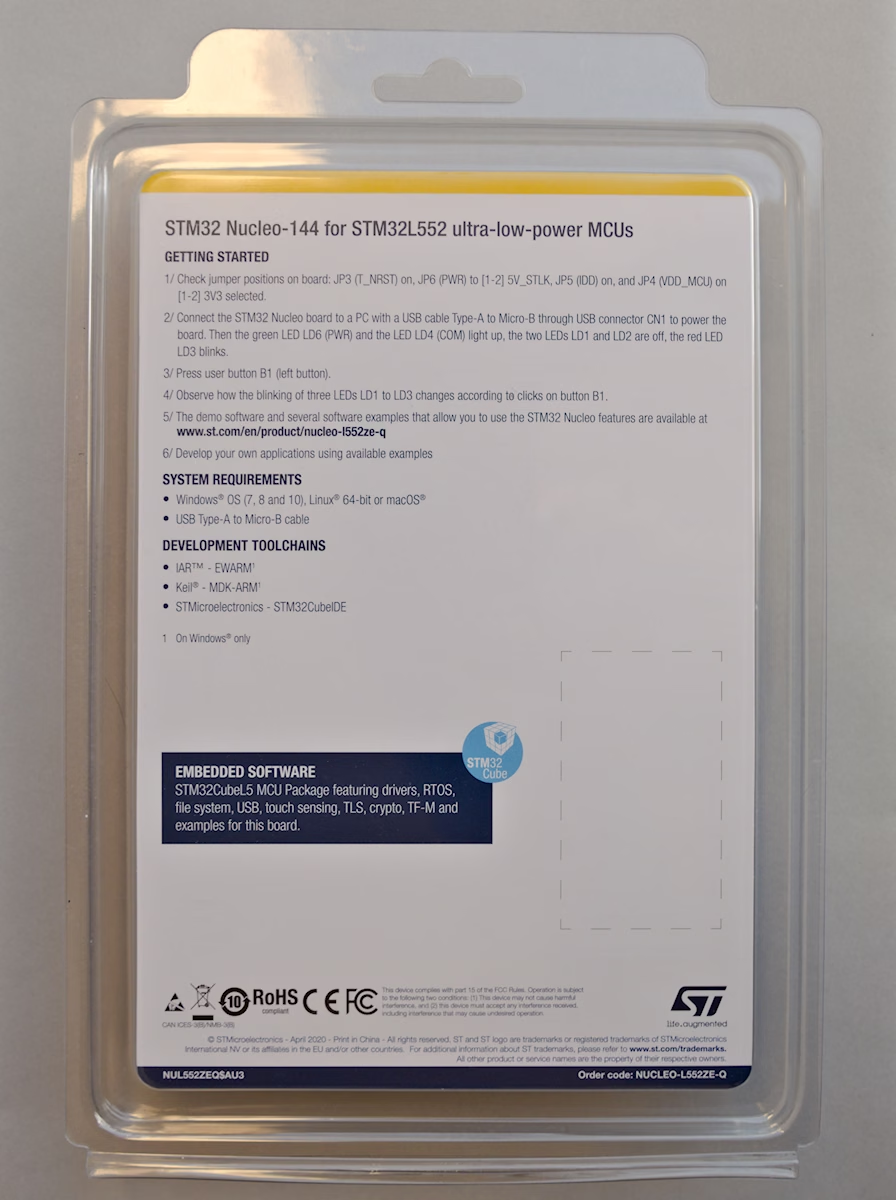 NUCLEO-L552ZE-Q packaging, back
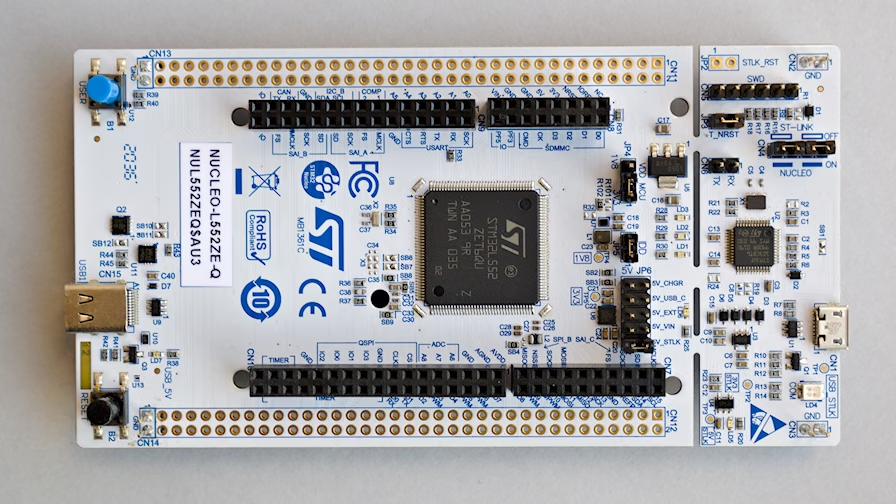 Board from the top: ST-LINK part on one end, MCU part with the STM32L552 on the other
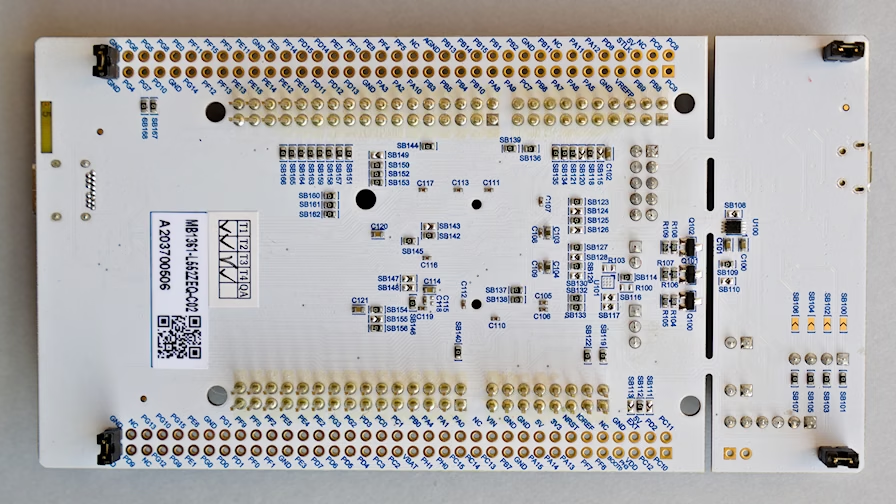 Bottom side with pin headers and jumpers acting as feet
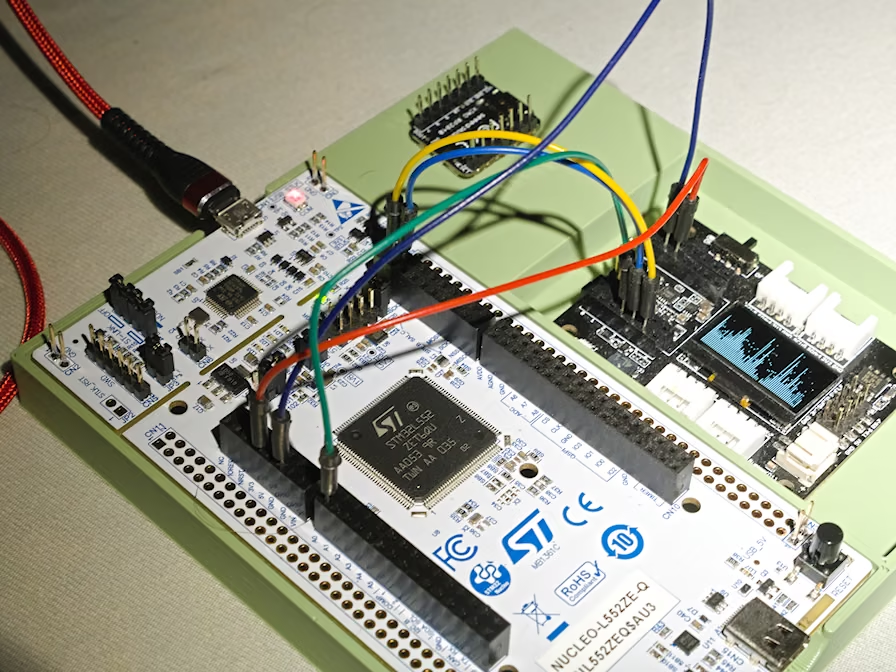 Nucleo wired to a XIAO expansion board (power, I2C display and buzzer)